
Try next to fix:
# as root:
echo 2 > /sys/module/hid_apple/parameters/fnmode
Depending on the mode, the F-keys and their combinations with the special "FN" button should now work.
If everything is working as it should now, you can make this setting permanent by creating the file: /etc/modprobe.d/hid_apple.conf and adding the line:
options hid_apple fnmode=2
to start:
# as root
update-initramfs -u -k all
Команда для Bazzite OS:
rpm-ostree kargs --append-if-missing="hid_apple.fnmode=2"
We would also like to remind you of the existence of a very useful program - xbindkeys
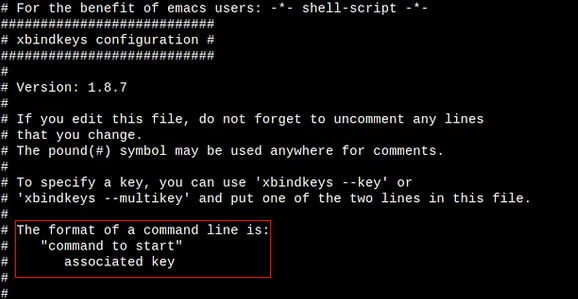
xbindkeys is a program that allows you to bind keys or mouse buttons to commands in Linux. It is a simple and effective tool that can be used to automate repetitive tasks, improve workflow, and increase productivity.
To download:
sudo apt-get install xbindkeys 