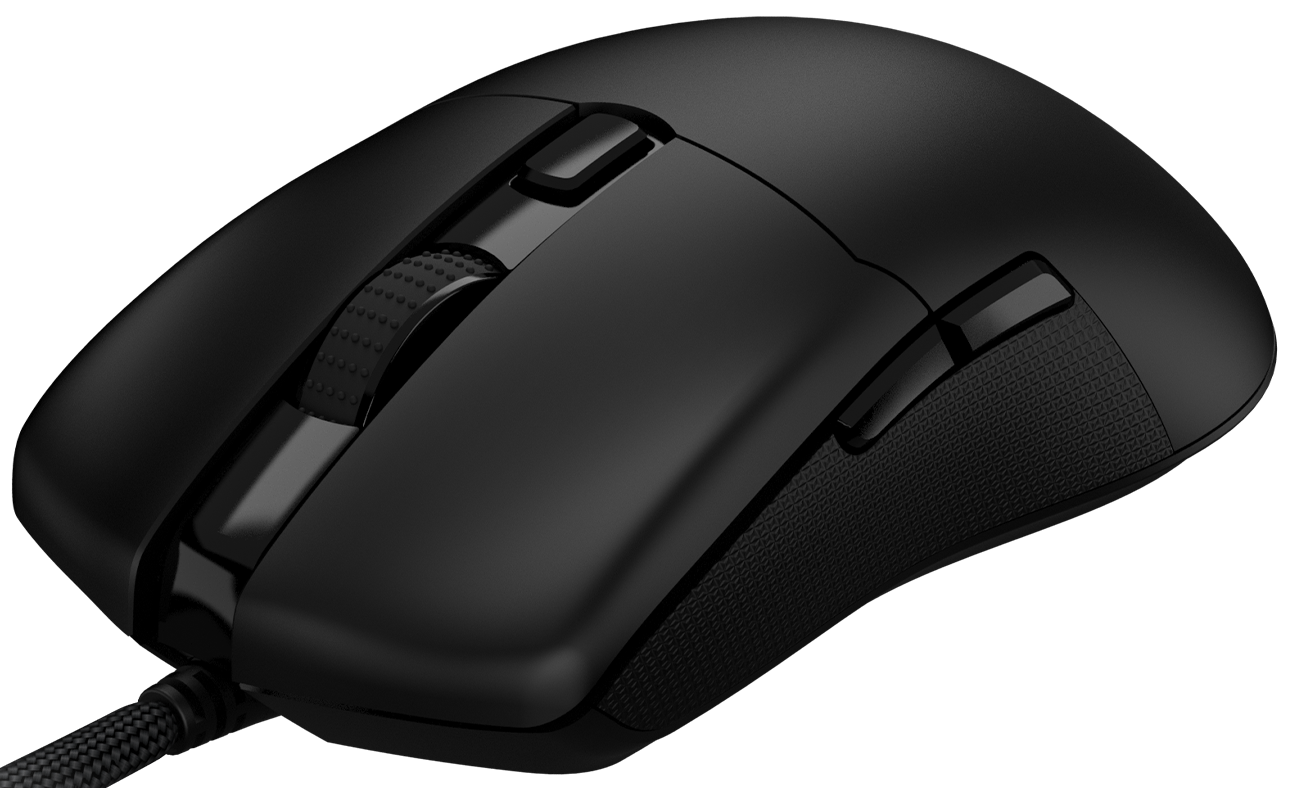
If you have downloaded the software for the HATOR Pulsar Essential mouse and it does not see the mouse, a firmware update is required.
To update the mouse’s firmware, you’ll need to download the file from our website using the following link: download
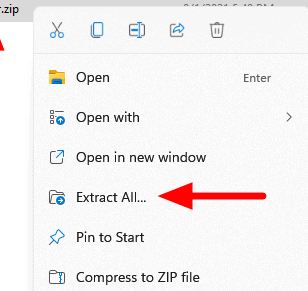
Next, unzip the archive to a convenient location on your computer
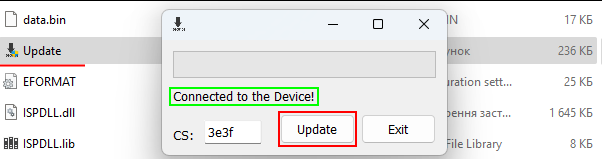
Among the files, find and run the file named "Update". Make sure that the mouse is connected to your computer and the program sees it ("Connected to the device"). Click the "Update" button to update the mouse:
IMPORTANT: Do not disconnect the mouse or turn off the computer during the update process.
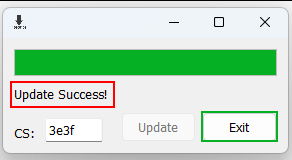
Once the update has been completed, you will see the message "Update Success!". Once this message appears, it is safe to press the "Exit" button.
Link to download the software: download
